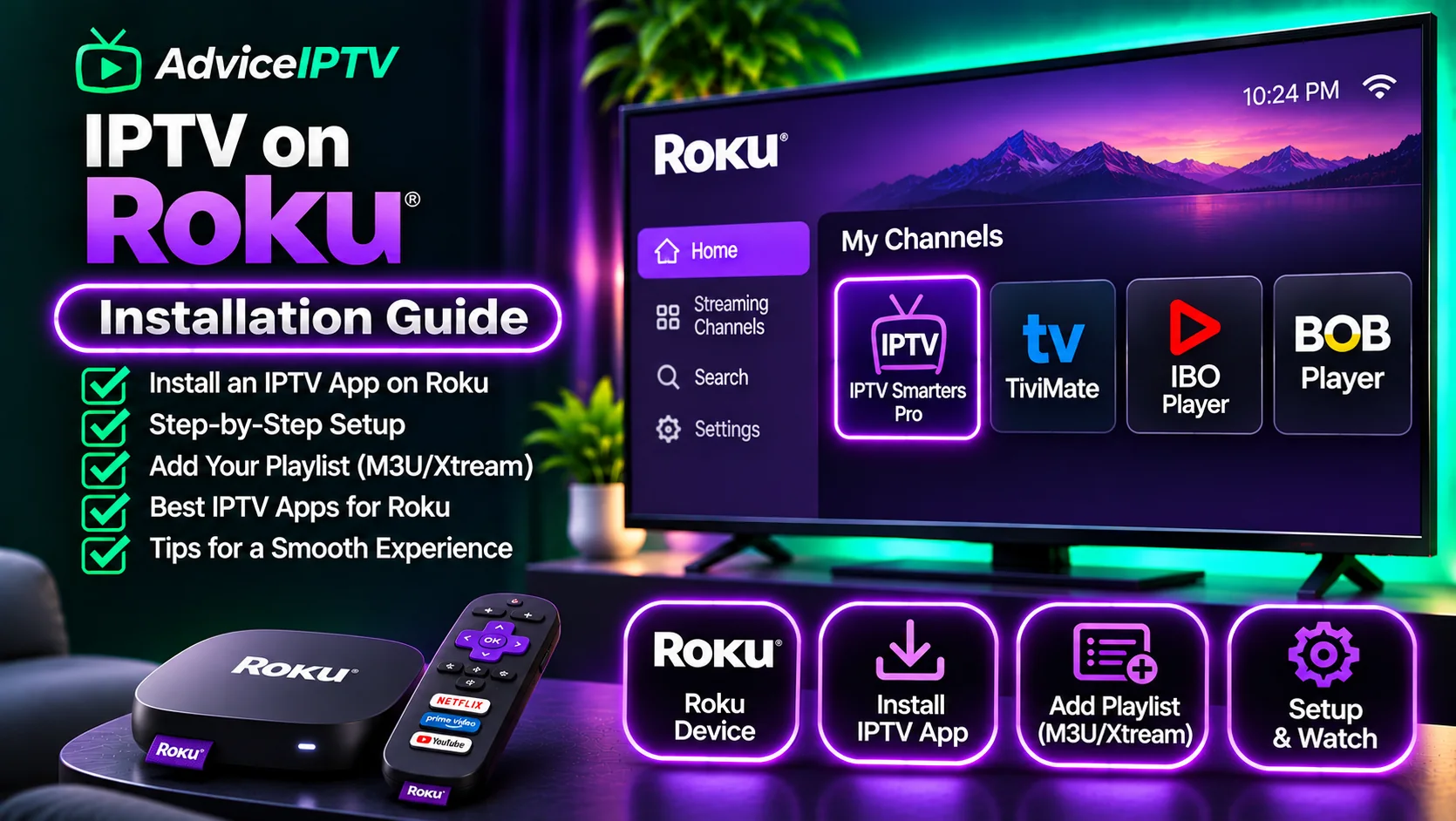
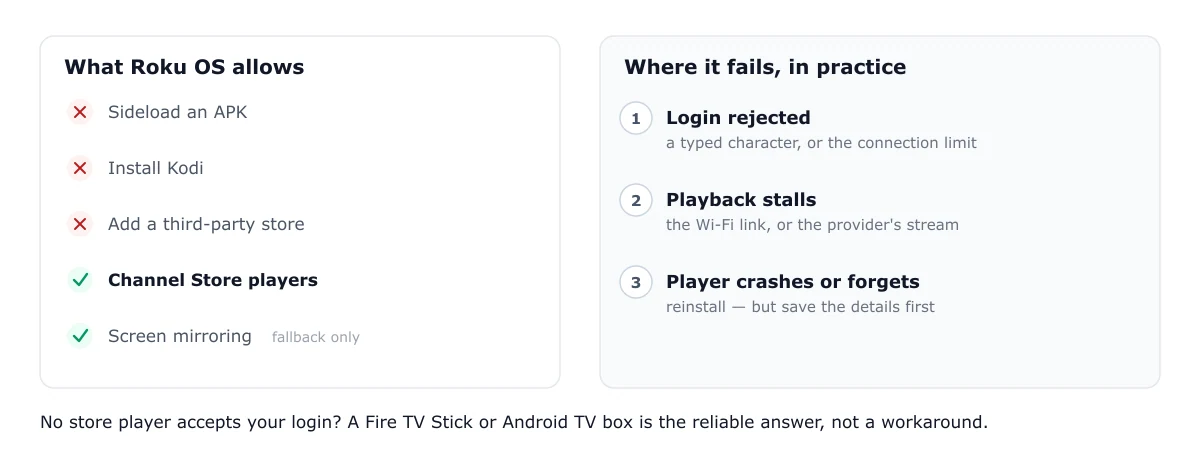
Roku cannot install an APK, cannot sideload, and cannot run Kodi. Everything that makes IPTV setup flexible on Fire TV is unavailable here. Your options are the players in the Roku Channel Store, screen mirroring from another device, or a different device for the living room.
What the Channel Store offers
The store has a small number of IPTV players. Several listings use “IPTV” in their names, but they are players that accept a playlist or login you supply. They do not supply channels, and they do not guarantee that any channel is licensed. Before you install one, check three things on its store page:
- The publisher name. It should match the developer you can find elsewhere.
- The supported input. Look for M3U URL support, Xtream Codes support, or both. A player that accepts only one will reject the other login type.
- The last update. An app that has not been updated in a long time may not work on current Roku OS releases.
Listings change, so treat any list in an article, this one included, as a starting point to check, not a fixed catalogue.
Adding your credentials
Credentials go in the player, not the store. The two common login types map to different fields:
- M3U URL. Paste the full playlist address into the playlist or URL field. Do not add a username or password unless the provider told you to.
- Xtream Codes. Enter the server address, username and password as three separate fields. The Xtream Codes explainer shows what belongs in each one.
On a Roku remote, typing long URLs is slow and error-prone. Check each character after you enter it. If the player supports casting or a companion app, use that for entry.
Roku models and OS versions
Only current Roku OS releases support the newest store players. Check your version under Settings → System → About. If the version is old and the store app will not install or launch, the fault is the device, and no setting in the player will fix it. A newer Roku model is the only remedy.
Where Roku IPTV fails
Most failures on Roku fall into three groups:
- Login rejected. Usually a credential transcription error or an exhausted connection limit. See the authorization guide.
- Playback stalls. Usually the Wi-Fi link or the provider’s stream. If the model has an Ethernet port, test on a cable to tell the two apart. The buffering diagnosis gives the order to test in.
- The player crashes or forgets playlists. Usually an app-state problem. Remove and reinstall the player from the store, and note your playlist details first, because they will need re-entering.
When to use a different device
If no store player accepts your login, or your Roku is an older model that cannot run the current players, a different device is the reliable answer. A Fire TV Stick or an Android TV box runs the widest choice of players, and the Fire TV setup guide covers the sideloading route. For the broader choice of players, see the player comparison. Apple TV has its own limits, covered in the Apple TV guide.
Roku is a good platform for watching a service you have already tested. It is a poor platform for finding out whether a service works, because the choice of players is narrow and the failures are harder to isolate. Test on a device with more options first.
Frequently asked questions
Can I get IPTV on my Roku TV?
Yes, if a player in the Roku Channel Store accepts your credentials. Roku TV models run the same channel store as Roku sticks and boxes. Check the store for a player that supports your login type, either an M3U URL or Xtream Codes details, before you buy a subscription.
What IPTV players are on Roku?
The Channel Store lists several players, and their names and availability change. Check the store listing directly: confirm the publisher, read the supported input types, and check that the listing mentions your login method. Do not rely on an old list, including this one.
Can I use Kodi on Roku?
No. Kodi does not run on Roku, and Roku does not allow installing third-party software from outside its store. Casting from a phone or laptop is the only route to a Kodi setup, and it moves the playback load to the other device.
Is screen mirroring a good way to watch IPTV on Roku?
It works for occasional viewing but is a poor daily setup. Mirroring depends on the phone staying awake and connected, and it uses the phone's battery and Wi-Fi. Use it as a fallback, not as your main viewing method.