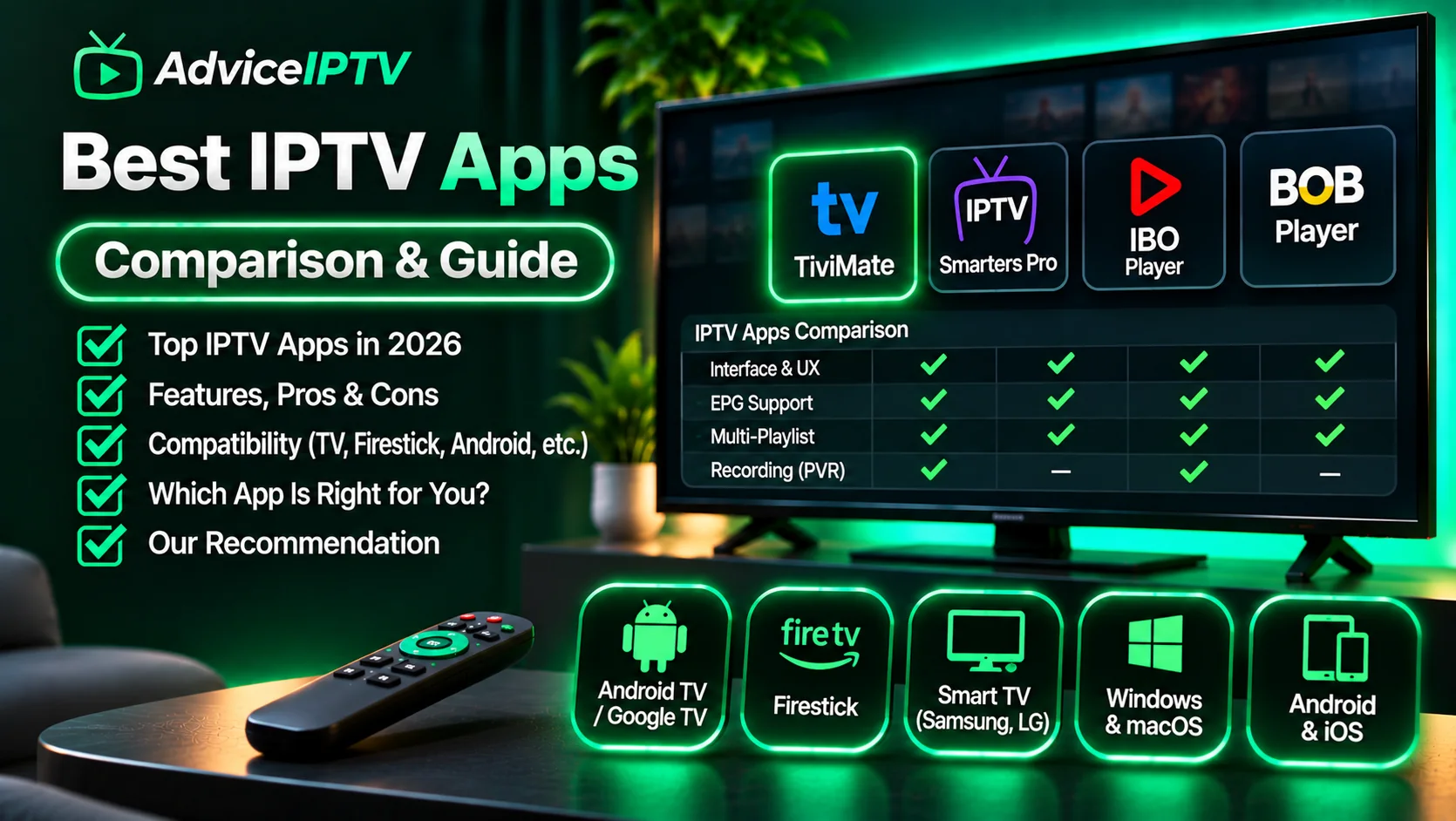
Players are where IPTV advice usually goes wrong. Most comparisons rank interfaces, which is the least consequential difference between them. Two players with identical screens can behave completely differently on the same subscription and the same hardware.
What actually separates them is narrower and more useful: how they decode, how they parse a guide, and how they fail.
The four things that matter
1. Hardware decoding
Software decoding on a Fire TV Stick Lite will stutter at bitrates a hardware-decoding player handles without effort. If 4K matters to you, this is the deciding factor — not the UI.
2. Guide parsing
A player that takes 70 seconds to open a 60,000-entry EPG feels broken, even if playback is flawless. On constrained hardware, guide handling dominates perceived speed.
3. Buffer strategy
A large buffer protects against jitter and makes channel changes slow. A small buffer switches fast and is less tolerant of a congested network. Neither is wrong; both should be known before you decide the app is bad.
4. Failure behaviour
When credentials are wrong, does the app say “failed to authorize”, or does it spin indefinitely? A player that distinguishes a network error from an authentication error saves an hour of guessing.
The comparison
| Player | Platforms | Hardware decoding | Guide speed | Paid tier | Notable weakness |
|---|---|---|---|---|---|
| TiviMate | Fire OS, Android TV | Strong | Fast | Recording, multi-playlist | Premium unlock required for the good features |
| IPTV Smarters | Fire OS, Android TV, iOS, tvOS, Windows | Good | Medium | Multi-screen, profiles | Dated interface; long onboarding |
| XCIPTV | Fire OS, Android TV | Good | Fast | Ad-free unlock | Fewer guide customisation options |
| Provider-branded apps | Varies | Usually weak | Varies | None | Abandoned silently; no updates |
| VLC / Kodi | Desktop, Android | Excellent (Kodi) | N/A | Free | Setup is manual; no IPTV UX |
A note on that last row: Kodi and VLC will play an M3U perfectly. They are also not IPTV players in any practical sense — no guide-first interface, no favourites workflow, no channel-number behaviour. Use them to test whether a stream is healthy, not as your daily driver.
TiviMate: the guide-first choice
TiviMate behaves like a set-top box. Channel numbers, a proper multi-day guide, recording, and per-channel favourites that survive playlist refreshes.
Strengths: best guide implementation in the category; recording and timeshift; handles large lineups without stalling.
Weaknesses: the useful features sit behind a paid unlock; the free tier is deliberately limited; no tvOS version.
Choose it if you watch scheduled television and want a guide you can actually browse.
IPTV Smarters: the compatible choice
Smarters is the player most providers document, which is a real advantage: setup instructions match your screen, and support staff know it.
Strengths: widest platform coverage including tvOS and Windows; supports Xtream, M3U and MAC portals; multi-screen and profile support on paid tiers.
Weaknesses: interface feels a generation old; onboarding is long; the “failed to authorize” message is famously indistinguishable from a network fault.
Choose it if you want the least friction with provider support, or you are on Apple TV.
XCIPTV: the fast-switching choice
XCIPTV prioritises channel-change speed, which matters if you surf rather than follow a schedule.
Strengths: quick switching; clean guide; ad-free unlock is inexpensive.
Weaknesses: fewer guide customisation options; smaller community than the two above.
What to ignore in player marketing
- “Supports 4K” — almost all do; the question is whether your device decodes it in hardware.
- “Built-in VPN” — adds latency and a failure point you did not have before.
- “Anti-freeze technology” — usually a larger buffer, which you can often configure yourself.
- Screenshot galleries — interfaces are the least predictive thing about player quality.
The setup that avoids most problems
- Install one player, from the official store or the vendor’s site.
- Enter credentials by paste, not typing.
- Let the guide import fully before browsing.
- Build a favourites list of twenty channels.
- Test at peak hour with the three checks in the trial guide.
If a step fails, change one variable at a time. Reinstalling the app is almost never the fix — credential transcription, EPG URLs and local network conditions account for the large majority of failures. The two diagnostic guides worth bookmarking are authorization errors and buffering fixes.
Frequently asked questions
Which IPTV player is best overall?
There is no single answer, because the right player depends on your device. TiviMate has the strongest guide and recording features on Android TV and Fire OS. IPTV Smarters is the most widely documented by providers, which reduces setup friction. On tvOS and smart TVs, your options are whatever those stores carry.
Do I need a paid player?
Not necessarily. Free tiers cover live playback and a basic guide. Paid tiers typically unlock recording, multiple playlists, and advanced EPG editing. If you only watch live channels from a favourites list, the free tier is often enough.
Why does my player take a minute to open?
Guide parsing. A player loading a 60,000-entry EPG on limited hardware will take time. Reducing the number of channels, disabling logos, or using a trimmed guide source usually fixes it. Switching players rarely does.
Are modified or 'unlocked' player APKs safe?
No. Repackaged builds are the most common vector for credential theft in this market, and they frequently break on update. Install from the official store or the vendor's own site, even when a forum offers a faster route.