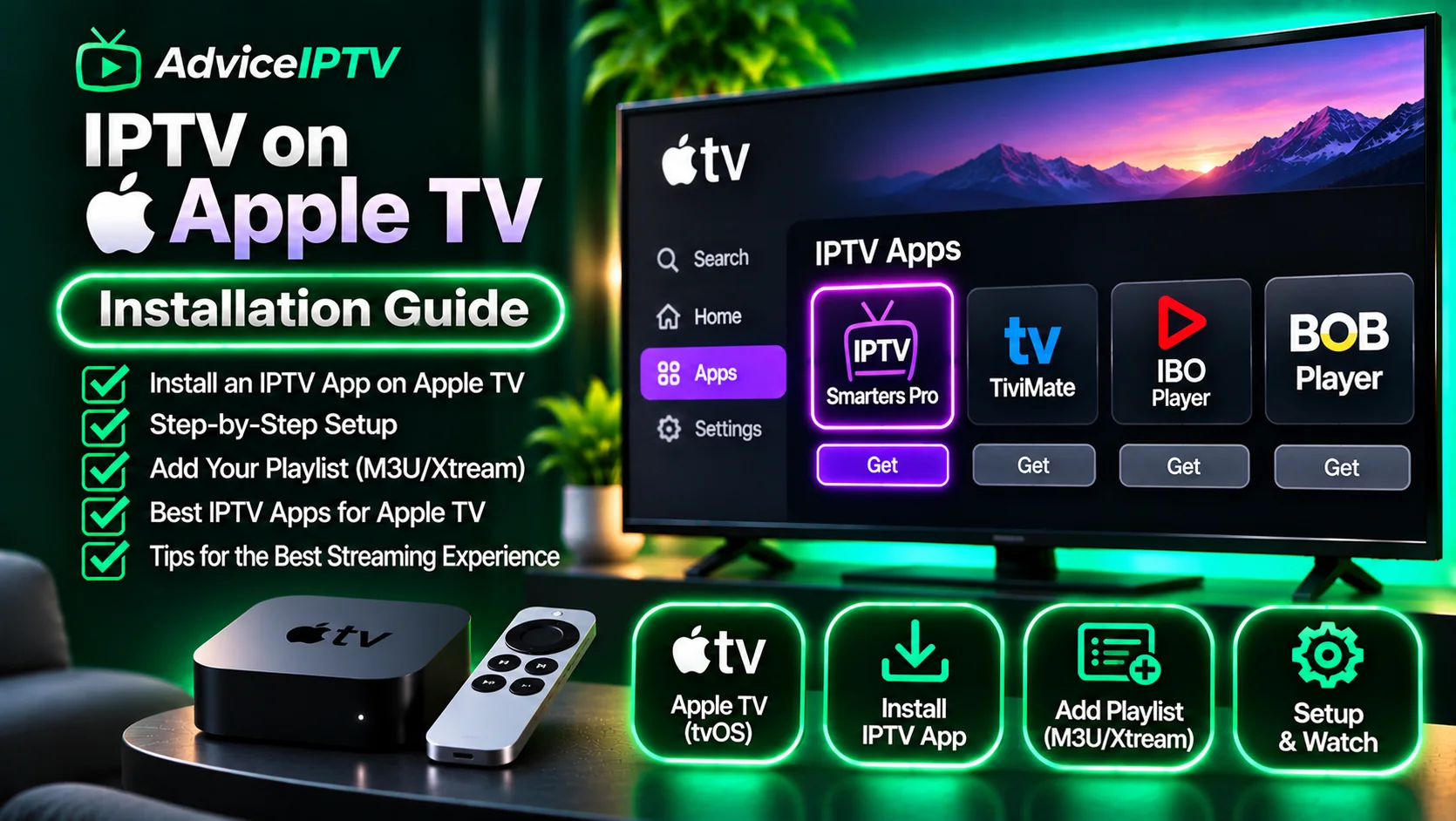
The Apple TV is the best IPTV hardware you can buy and the most frustrating platform to set up. Those two facts are not in tension: the A-series chip decodes high-bitrate streams effortlessly, the interface is smooth, and the remote is responsive. What you cannot do is install anything Apple has not approved.
That single constraint decides everything else.
What tvOS permits
| Capability | Apple TV | Fire TV Stick |
|---|---|---|
| App Store players | Yes, curated | Yes |
| Sideloading | No practical route | Yes, via Downloader |
| Third-party APKs | No | Yes |
| Developer-signed builds | Yes, expire in 7 days | Not applicable |
| System-wide playlist support | No | No |
Developer signing is technically possible with an Apple developer account and a Mac, but it requires re-signing every week. For a device in a living room, that is not a workflow — it is a hobby. Treat tvOS as App Store only.
Step 1 — Confirm a player exists in your region
Search the tvOS App Store for the player your provider documents. Two things to check:
- Region availability. An app visible in one country’s store may be absent in another.
- Recency. A player last updated two years ago may still work, but it will not have adapted to current tvOS decoder behaviour.
If your provider documents only one player and that player is missing from your store, you have a provider-compatibility problem, not an Apple problem. Ask which alternatives they support before paying.
Step 2 — Install and choose the login type
Open the app and pick the method matching your credentials:
- Xtream Codes — server URL, username, password. Most common.
- M3U URL — one long link. Often paired with a separate EPG URL.
- Portal + MAC — older middleware; increasingly rare.
Paste rather than type. The Siri Remote’s on-screen keyboard is where most setup errors originate: a dropped character in a server URL produces an authorization failure that looks exactly like a wrong password.
Step 3 — Load the guide, then build favourites
The guide import runs on the Apple TV’s CPU and is quick — noticeably faster than on a Fire TV Stick Lite. Let it finish.
Then create a favourites list of the fifteen or twenty channels you actually watch. This is not a cosmetic step on tvOS: the Siri Remote’s touch surface makes scrolling a long channel list genuinely unpleasant, and a favourites list is the difference between a usable device and an annoying one.
Step 4 — Test at peak hour
The same three checks apply on every platform:
- Ten minutes on one live channel — watch for audio drift.
- Five channel changes — time them.
- One VOD title — confirm library access.
Apple TV’s advantage shows up in step two: switching is typically among the fastest of any platform we test, because the decoder pipeline is efficient and the player has headroom for a smaller buffer.
The failures specific to Apple TV
App not in the store
Check the developer’s site for the current app name. Players rebrand frequently on tvOS — a name change often reads as a disappearance.
“Cannot verify server” or SSL errors
Usually an https:// URL where the provider’s certificate does not cover the hostname they gave you. Try the exact URL from the provider’s email, without editing the scheme.
Playback fine, guide empty
The EPG URL is missing or wrong. It is a separate field from the playlist and is frequently omitted by providers who assume you will use their own app.
Remote unusable for channel entry
Not a fault. Use favourites, or pair a Bluetooth keyboard for initial credential entry — tvOS supports this and it cuts setup time dramatically.
App removed after an update
Reinstall from your purchase history. If it is genuinely gone from the store, you need an alternative player: this is the one scenario where Apple TV users are forced to change apps rather than fix them.
Is Apple TV the right choice for IPTV?
Choose it if you already own one, you value interface quality and decoding headroom, and you are willing to accept whatever the App Store offers.
Avoid it if your provider documents only one Fire OS or Android app, you need recording or advanced EPG editing, or you want the widest possible player choice.
Most readers with an Apple TV in the living room end up putting a $35 stick on a secondary television and discovering the Fire OS experience is more flexible. Both can run the same subscription — assuming the provider issues multiple connection slots, which is worth checking before you add hardware. Our device hub compares every platform, and the player comparison covers which apps still update on tvOS.
Frequently asked questions
Can you sideload IPTV apps on Apple TV?
Not in any practical, ongoing way. tvOS requires App Store distribution for normal use. Developer-signed builds expire and need re-signing every seven days, which is not a usable setup for a television in a living room.
Why do IPTV apps disappear from the Apple TV App Store?
Apple removes players that are used primarily to access content the developer cannot demonstrate rights for, and some developers withdraw during review disputes. Availability therefore changes without notice, which is why relying on a single tvOS app is risky.
Does Apple TV support M3U playlists?
The hardware does; the app must. Most tvOS players accept either an M3U URL or Xtream Codes credentials. There is no system-level playlist support, so the format you can use is whatever your chosen app implements.
Is Apple TV better than a Fire TV Stick for IPTV?
Better hardware, worse flexibility. Decoding, interface smoothness and remote responsiveness are superior. The trade is that you can only install what Apple approves, and the cheaper Fire TV ecosystem has far more IPTV player options.