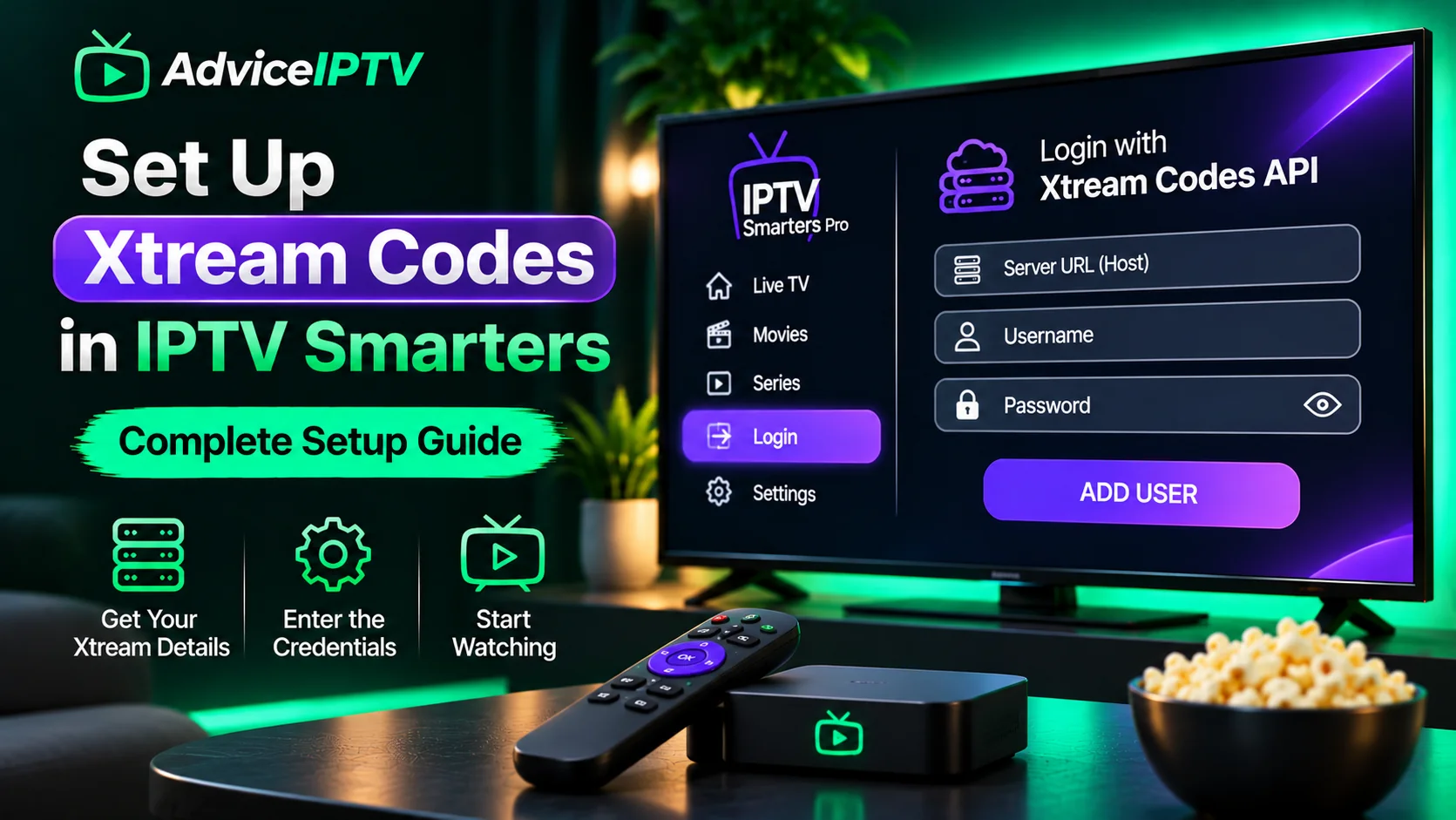
Every IPTV setup guide eventually asks for the same three things: a server address, a username, and a password. That is Xtream Codes — an API login that replaced the older pattern of pasting a very long playlist URL.
It is worth understanding what those three fields do, because the majority of “failed to authorize” errors are one of them being slightly wrong.
What Xtream Codes actually is
Xtream Codes is an API that sits between the player and the provider’s streaming infrastructure. When you log in, the player requests:
- the channel list and categories
- the EPG mapping
- the video-on-demand catalogue
- stream URLs, generated per session
You never see the URLs. That is the point: the provider can change hosts, add channels or reorganise categories without issuing you a new playlist.
The three fields, precisely
| Field | What it should contain | Common mistake |
|---|---|---|
| Server URL | Host with scheme and port, e.g. http://host.example:8080 | Adding /get.php or a trailing slash |
| Username | Exactly as issued, case-sensitive | Typing instead of pasting; autocorrect |
| Password | Exactly as issued, case-sensitive | Trailing space from a copied line break |
A note on the server field, since it causes the most trouble. If your provider sent something like:
http://example-host.tv:8080then that is the entire server value. The /get.php?username=...&password=... form is an M3U-style URL, and belongs in a playlist field if the player offers one — not in the server box.
If the player splits host and port into separate inputs, put http://example-host.tv in one and 8080 in the other.
Why HTTPS causes so many failures
A provider may issue an http:// server address because their TLS certificate does not cover the hostname they gave you. If you “upgrade” it to https:// out of habit, the connection fails during the handshake and most players report it as an authorization error.
Do not improve the provider’s URL. Use it exactly as sent, then ask support whether HTTPS is supported on that host if you care about transport security.
A correct login, step by step
- Open the player and choose Xtream Codes API (labels vary: “Xtream Login”, “Xtream Codes”, “Login with API”).
- Paste the server URL. Check for a trailing space.
- Paste the username. Do not retype it.
- Paste the password. Confirm no line break was captured.
- Save, then let the player fetch the profile — this can take 10–60 seconds on a large lineup.
- Only after the channel list appears, add the EPG if it is a separate field.
If step 5 fails, stop and verify the three fields before touching anything else. Changing multiple things at once is how a two-minute fix becomes an evening.
Xtream versus M3U: which to use
| Xtream Codes | M3U playlist | |
|---|---|---|
| Fields to enter | 3 | 1 long URL |
| Lineup updates | Automatic | Re-import or hosted URL |
| Transcription risk | Lower | Higher |
| Local editing | Not possible | Possible |
| Secret exposure | Credentials only | Entire URL often contains credentials |
Prefer Xtream when offered. The only strong argument for M3U is if you want to prune a huge lineup manually for a low-power device — and there, a favourites list is usually the better tool anyway.
Errors and what they mean
“Failed to authorize” / “Invalid credentials” — the three fields, an expired account, or a connection limit already in use on another device. Test by closing the player on every other device first.
Login succeeds, channel list empty — the account may have no active package, or the provider assigned the wrong plan to your username.
Login succeeds, streams return 403 — usually a geo restriction or a user-agent check on the stream host, not a credential problem.
Works on one device, fails on another — connection limit, or that device is on a different network with a captive portal or DNS filter.
Intermittent failures at peak — the provider’s authentication service is under load. Retry after a minute; if it recurs nightly, it belongs in a support ticket with timestamps.
The security note
Xtream credentials are a username and password for a paid account, frequently reused elsewhere. Two habits are worth adopting:
- Use a unique password for the IPTV account if the provider allows changing it.
- Never post the credentials or an M3U URL in a forum to ask for help. Anyone who reads it has your account.
If a provider only issues credentials by chat message with no email record, that is a support-quality signal as much as a security one — the selection guide treats it that way.
Related
- Playlist mechanics: M3U playlists explained
- Guide data missing: the EPG guide
- Login errors in detail: failed to authorize
Frequently asked questions
Is Xtream Codes the same as an M3U playlist?
No, though both can serve the same account. Xtream Codes is an API: the player sends credentials and receives the channel list, guide and VOD catalogue as structured responses. An M3U playlist is a static text file of stream URLs. Xtream is generally preferable because lineups update automatically.
What exactly goes in the 'server URL' field?
The hostname or base URL your provider supplied, in the form they supplied it — usually something like http://host:8080. Include the scheme (http or https) and the port if given. Do not add a path such as /get.php; that belongs in the M3U URL, not the server field.
Why do two players accept different Xtream formats?
Because field labelling is not standardised. Some players split host and port into two boxes; others expect them combined. The credentials are the same either way, which is why pasting the provider's exact string and then adjusting only for the field split is the fastest approach.
Can I use the same Xtream credentials on two devices?
Only within your connection limit. Each simultaneous stream usually consumes one connection, and casting can count as an additional one. Using more than your allowance typically produces authorization failures on the device that loses the race.