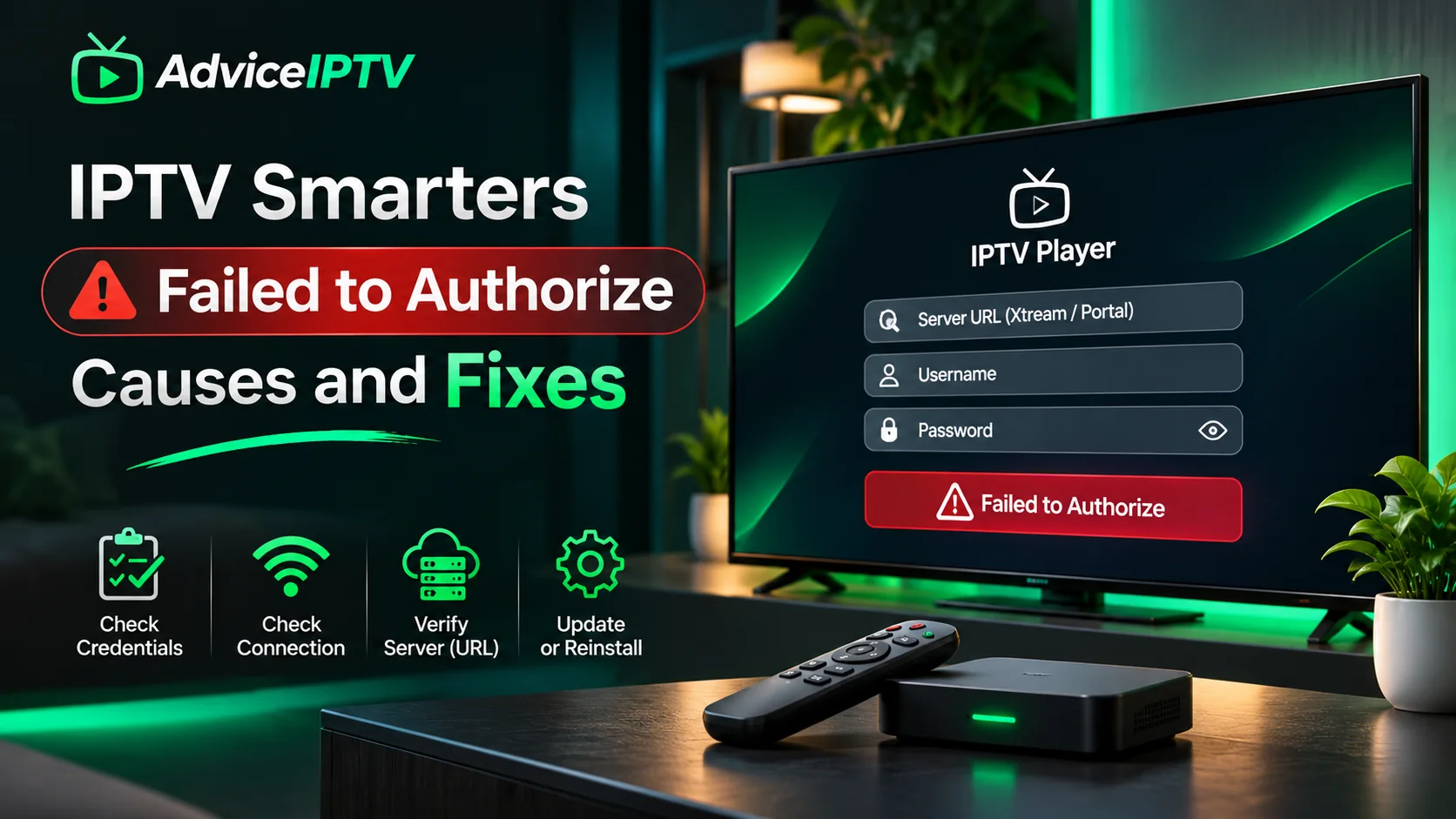
“Failed to authorize” is the most reported error in IPTV, and the most misunderstood. It reads like a password problem, but the player uses the same message for at least five different conditions — and it never tells you which one you have.
The order below is deliberate: it starts with the causes that account for most cases and ends with the ones that are genuinely rare.
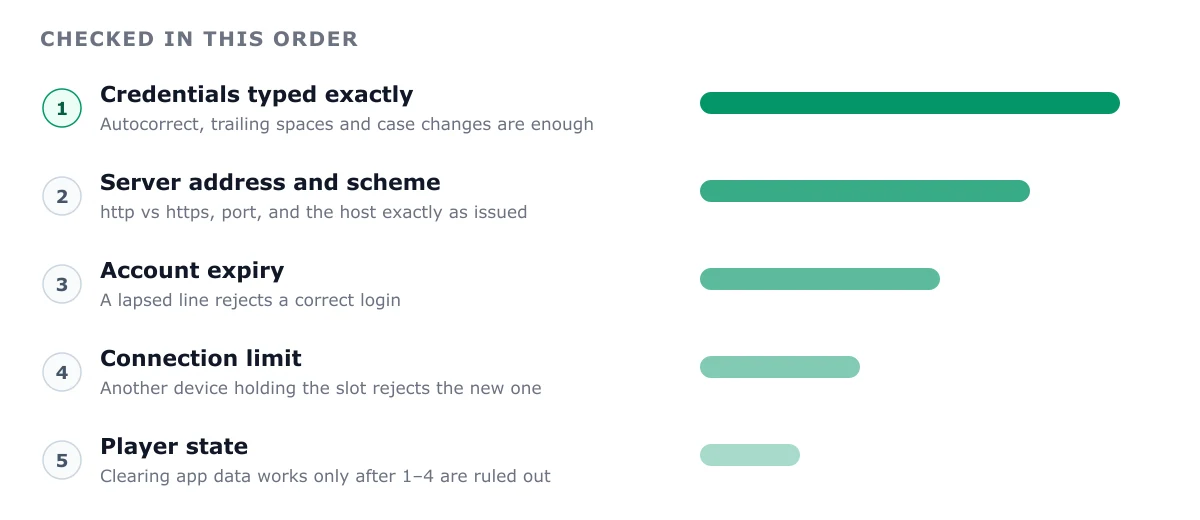
Cause 1 — Credential transcription (most common)
Server URL, username, password. All three are case-sensitive, and all three are usually copied by hand from a chat message onto a television remote.
Check for these specific corruptions:
- A trailing space captured when copying a line. Invisible in the field.
- Case changes from autocorrect on mobile keyboards.
MyUserbecomingmyuseris enough to fail. - Truncation in the middle of a token, common with wrapped messages.
- An extra character from a double tap on a remote’s on-screen keyboard.
Paste instead of typing whenever the platform allows it. On tvOS and Fire OS, pair a Bluetooth keyboard for initial entry — it eliminates this entire category in one step.
Cause 2 — Server URL formatting
This is the second-largest cause and the least obvious, because a malformed URL produces the same rejection as a wrong password.
| Wrong | Right | Why |
|---|---|---|
https://host:8080 (when issued as http) | http://host:8080 | Certificate may not cover the host |
http://host:8080/ | http://host:8080 | Trailing slash confuses some builds |
http://host | http://host:8080 | Port omitted |
http://host/get.php?... | http://host:8080 | That is an M3U URL, not a server value |
host:8080 | http://host:8080 | Scheme omitted |
Use the exact string the provider supplied. Do not “improve” it. The Xtream Codes explainer shows what belongs in each field.
Cause 3 — Expired or suspended account
Subscriptions expire quietly. A monthly plan that lapsed yesterday produces exactly this error today.
Check the account status through the provider’s own portal or support channel. If the account was suspended for a payment issue or a connection-limit violation, no amount of local troubleshooting will help.
Cause 4 — Connection limit already in use
If your plan allows one simultaneous stream and a phone is still holding a session, the television gets rejected — with this error.
Test it properly: force-close the player on every other device, then retry on the target device. If it now works, you have your answer. Casting often consumes an additional connection, so a “one connection” plan plus a cast can exhaust the allowance.
Cause 5 — Network path or DNS
The request never reached the provider’s authentication service.
- Captive portal. A hotel or guest network intercepting requests.
- DNS filtering. An ISP or router blocking the hostname. Test by switching the device to a different DNS resolver.
- VPN interference. Geo-checks or DNS breakage. Disable and retry.
- Firewall or parental controls blocking the port.
A quick discriminator: if the app also fails to load the channel list while a browser on the same network can reach other sites, the network path is suspect rather than the credentials.
Cause 6 — Provider-side outage
Less common, but it happens nightly in this market. If several subscribers report the same error at the same hour, the authentication service is under load.
Signs: the error is intermittent, appears around prime time, and clears on its own. Report it with timestamps rather than reinstalling anything.
Cause 7 — App state corruption
Rare. Symptoms are unusual: the app crashes on launch, forgets added playlists, or shows a login screen despite saved details.
Only at this point is a reinstall justified. Clear the app cache first (Fire OS: Settings → Applications → Manage Installed Applications → IPTV Smarters → Clear Cache). Reinstalling removes saved favourites, so note them down first.
A five-minute diagnostic sequence
- Close the player on every other device. Retry.
- Re-paste all three credentials from the original message.
- Ask support to confirm the account is active and to restate the exact server URL.
- Test on a second network — a phone hotspot is enough to discriminate.
- Disable any VPN, then retry.
- Only if 1–5 all fail, clear cache, then reinstall.
That sequence resolves the large majority of cases, because it follows the actual distribution of causes rather than the order of the on-screen menus.
If it works but streams still fail
A successful login with failing playback is a different fault. The credentials are correct; the stream requests are being rejected or timing out. That points to geo-restriction, an exhausted connection limit assigned per-stream, or the provider’s stream servers rather than its authentication service.
Check whether one channel fails or all of them. One channel is a source problem; all channels is a stream-side or network problem. The buffering guide covers the diagnosis in that direction.
Preventing it next time
- Store credentials in a password manager, not a chat history.
- Keep a note of the exact server URL as issued, including the scheme and port.
- Do not change plans mid-month; some providers reset connection state at billing boundaries.
- Screenshot the working configuration. When a device fails six months later, that screenshot is the fastest comparison you can make.
Frequently asked questions
What does 'failed to authorize' actually mean in IPTV Smarters?
It means the player's authentication request was rejected or never completed. That includes a wrong password, a malformed server URL, an expired subscription, an exhausted connection limit, a DNS failure, or a provider-side authentication outage. The app collapses all of these into one message, which is why the diagnosis has to be ordered.
Why does it work on my phone but not my Firestick?
Two likely reasons: your plan's simultaneous connection limit is already in use on the phone, or the Firestick is on a different network path with a captive portal or DNS filter. Close the player on every other device, then retry — that resolves the first case immediately.
Does reinstalling the app fix it?
Rarely, and it costs you saved favourites and playlists. Reinstalling only helps when the app's stored credentials are corrupted, which is uncommon. Work through credentials and network first.
Can a VPN cause this error?
Yes. A VPN can trigger geo-restriction checks on the provider's authentication service, or break DNS resolution for their hostname. If you added a VPN recently, disable it and retry before changing any credentials.